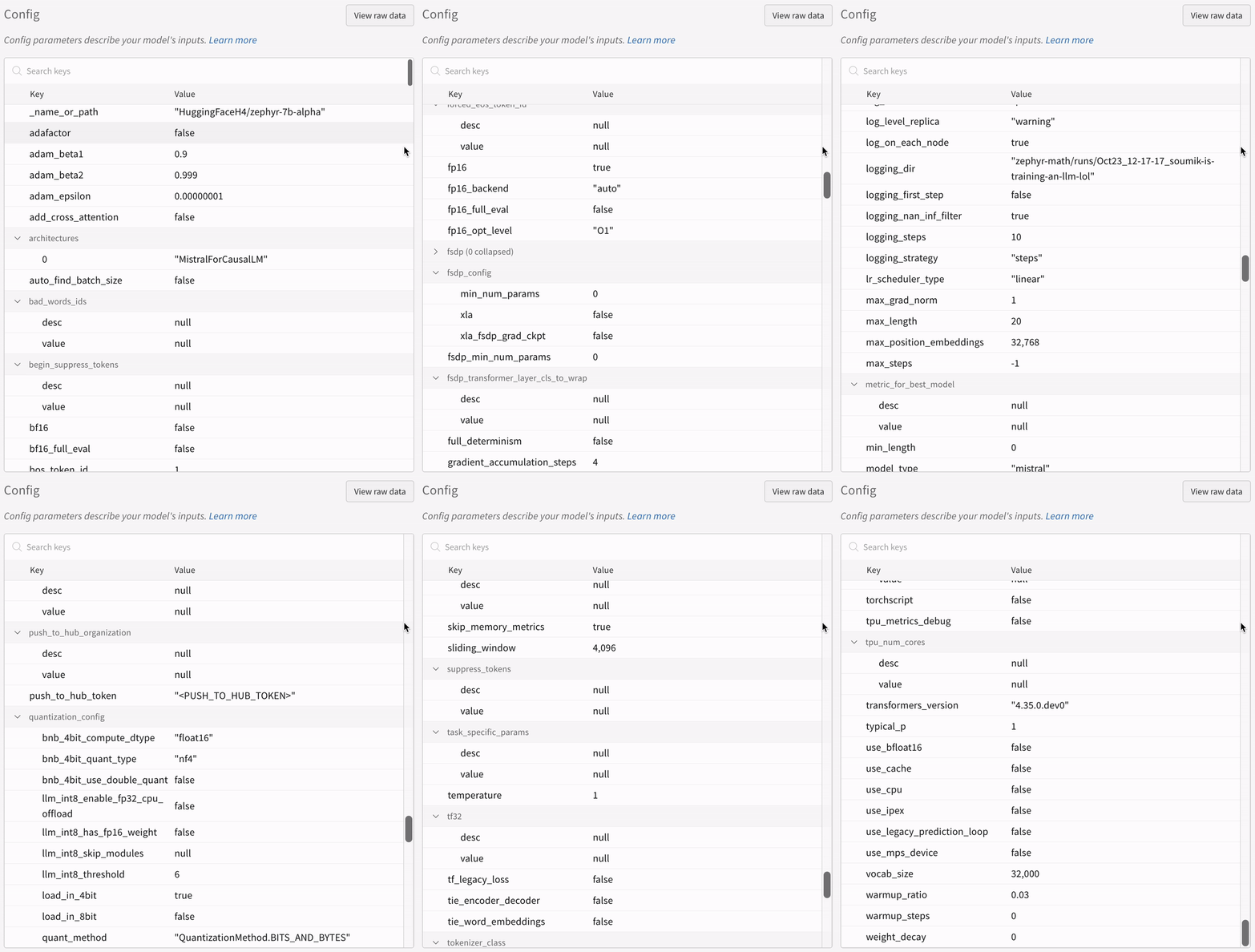
Hugging Face AutoTrain is a no-code tool for training state-of-the-art models for Natural Language Processing (NLP) tasks, for Computer Vision (CV) tasks, and for Speech tasks and even for Tabular tasks. W&B is directly integrated into Hugging Face AutoTrain, providing experiment tracking and config management. It’s as easy as using a single parameter in the CLI command for your experiments.Documentation Index
Fetch the complete documentation index at: https://wb-21fd5541-john-wbdocs-2044-rename-serverless-products.mintlify.app/llms.txt
Use this file to discover all available pages before exploring further.
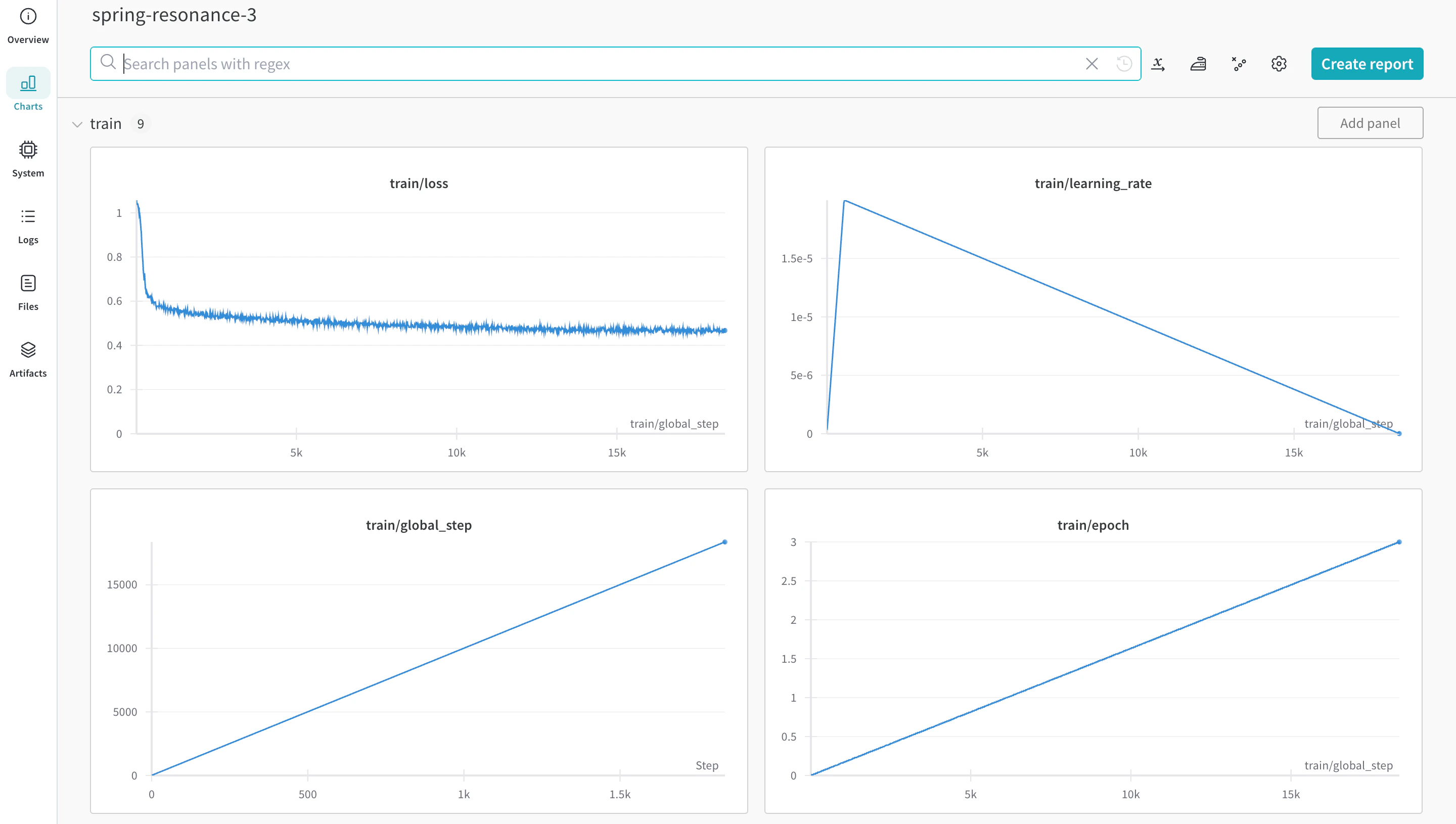
Install prerequisites
Installautotrain-advanced and wandb.
- Command Line
- Notebook
pass@1 on the GSM8k Benchmarks.
Prepare the dataset
Hugging Face AutoTrain expects your CSV custom dataset to have a specific format to work properly.-
Your training file must contain a
textcolumn, which the training uses. For best results, thetextcolumn’s data must conform to the### Human: Question?### Assistant: Answer.format. Review a great example intimdettmers/openassistant-guanaco. However, the MetaMathQA dataset includes the columnsquery,response, andtype. First, pre-process this dataset. Remove thetypecolumn and combine the content of thequeryandresponsecolumns into a newtextcolumn in the### Human: Query?### Assistant: Response.format. Training uses the resulting dataset,rishiraj/guanaco-style-metamath.
Train using autotrain
You can start training using the autotrain advanced from the command line or a notebook. Use the --log argument, or use --log wandb to log your results to a W&B Run.
- Command Line
- Notebook