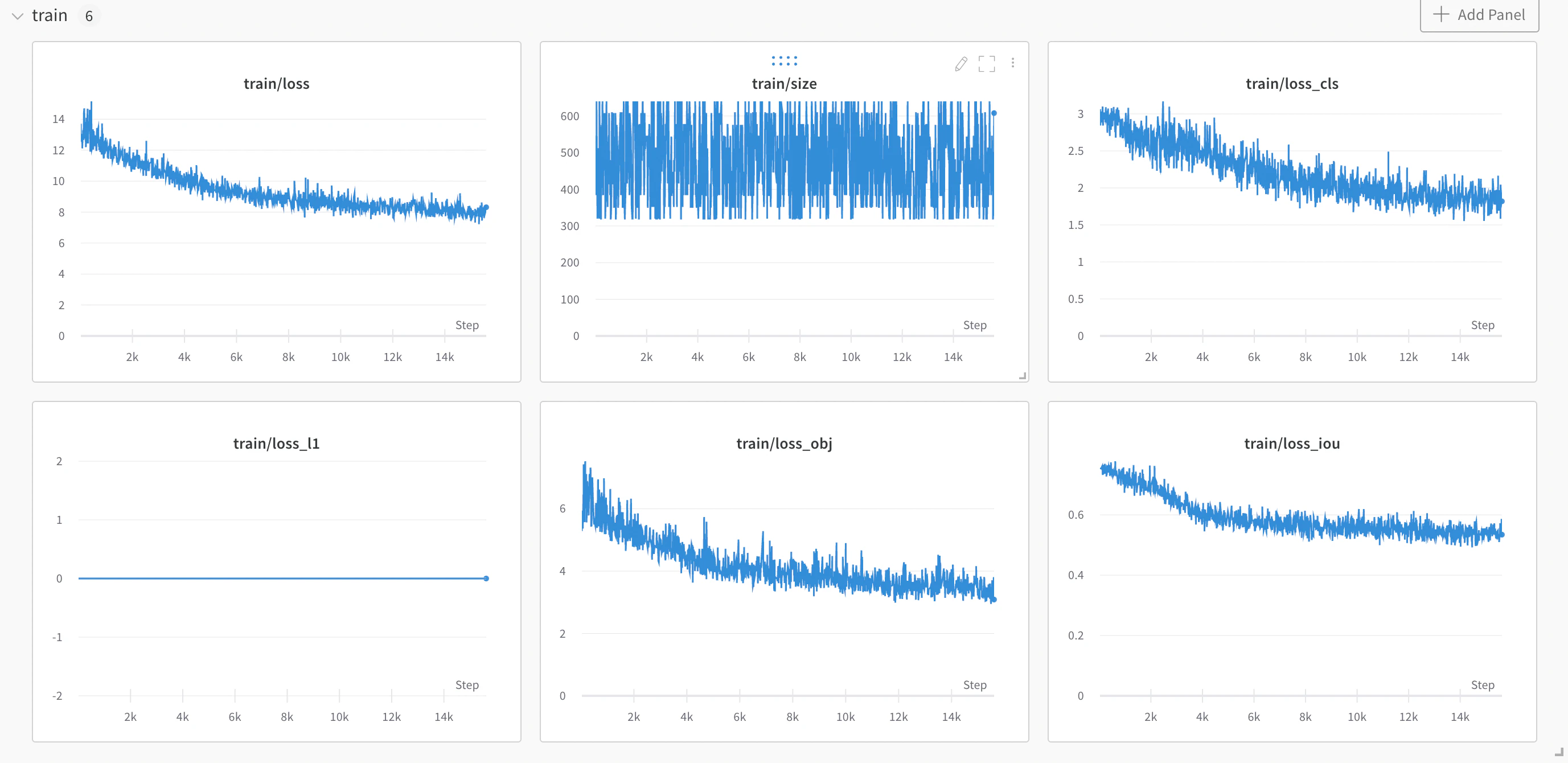
PaddleDetection is an end-to-end object-detection development kit based on PaddlePaddle. It detects various mainstream objects, segments instances, and tracks and detects keypoints using configurable modules such as network components, data augmentations, and losses. PaddleDetection now includes a built-in W&B integration which logs all your training and validation metrics, as well as your model checkpoints and their corresponding metadata. The PaddleDetectionDocumentation Index
Fetch the complete documentation index at: https://wb-21fd5541-john-wbdocs-2044-rename-serverless-products.mintlify.app/llms.txt
Use this file to discover all available pages before exploring further.
WandbLogger logs your training and evaluation metrics to W&B as well as your model checkpoints while training.
Read a W&B blog post which illustrates how to integrate a YOLOX model with PaddleDetection on a subset of the COCO2017 dataset.
Sign up and create an API key
An API key authenticates your machine to W&B. You can generate an API key from your user profile.For a more streamlined approach, create an API key by going directly to User Settings. Copy the newly created API key immediately and save it in a secure location such as a password manager.
- Click your user profile icon in the upper right corner.
- Select User Settings, then scroll to the API Keys section.
Install the wandb library and log in
To install the wandb library locally and log in:
- Command Line
- Python
- Python notebook
-
Set the
WANDB_API_KEYenvironment variable to your API key. -
Install the
wandblibrary and log in.
Activate the WandbLogger in your training script
- Command Line
- `config.yml`
To use wandb via arguments to
train.py in PaddleDetection:- Add the
--use_wandbflag - The first wandb arguments must be preceded by
-o(you only need to pass this once) - Each individual argument must contain the prefix
"wandb-". For example any argument to be passed towandb.init()would get thewandb-prefix