

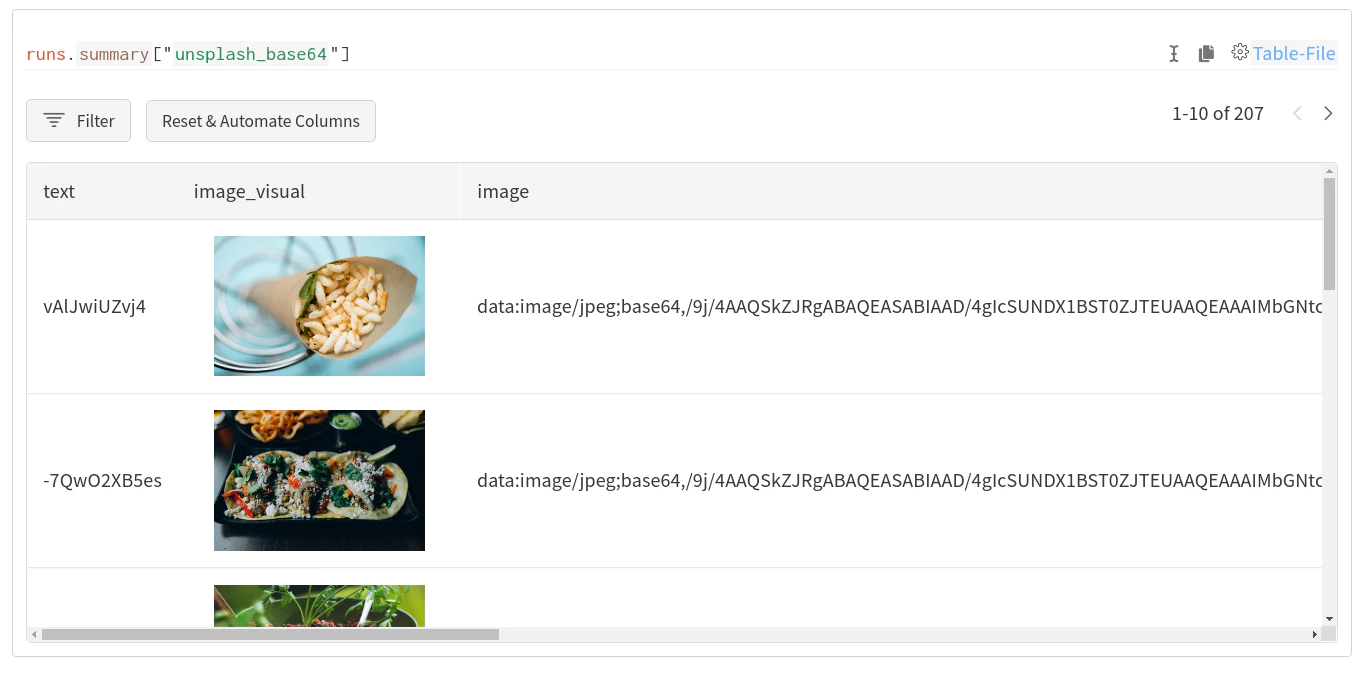
Prodigy is an annotation tool for creating training and evaluation data for machine learning models, error analysis, data inspection & cleaning. W&B Tables allow you to log, visualize, analyze, and share datasets (and more!) inside W&B. The W&B integration with Prodigy adds simple and easy-to-use functionality to upload your Prodigy-annotated dataset directly to W&B for use with Tables. Run a few lines of code, like these:Documentation Index
Fetch the complete documentation index at: https://wb-21fd5541-john-wbdocs-2044-rename-serverless-products.mintlify.app/llms.txt
Use this file to discover all available pages before exploring further.
Quickstart
Usewandb.integration.prodigy.upload_dataset to upload your annotated prodigy dataset directly from the local Prodigy database to W&B in our Table format. For more information on Prodigy, including installation & setup, please refer to the Prodigy documentation.
W&B will automatically try to convert images and named entity fields to wandb.Image and wandb.Htmlrespectively. Extra columns may be added to the resulting table to include these visualizations.