Documentation Index
Fetch the complete documentation index at: https://wb-21fd5541-john-wbdocs-2044-rename-serverless-products.mintlify.app/llms.txt
Use this file to discover all available pages before exploring further.
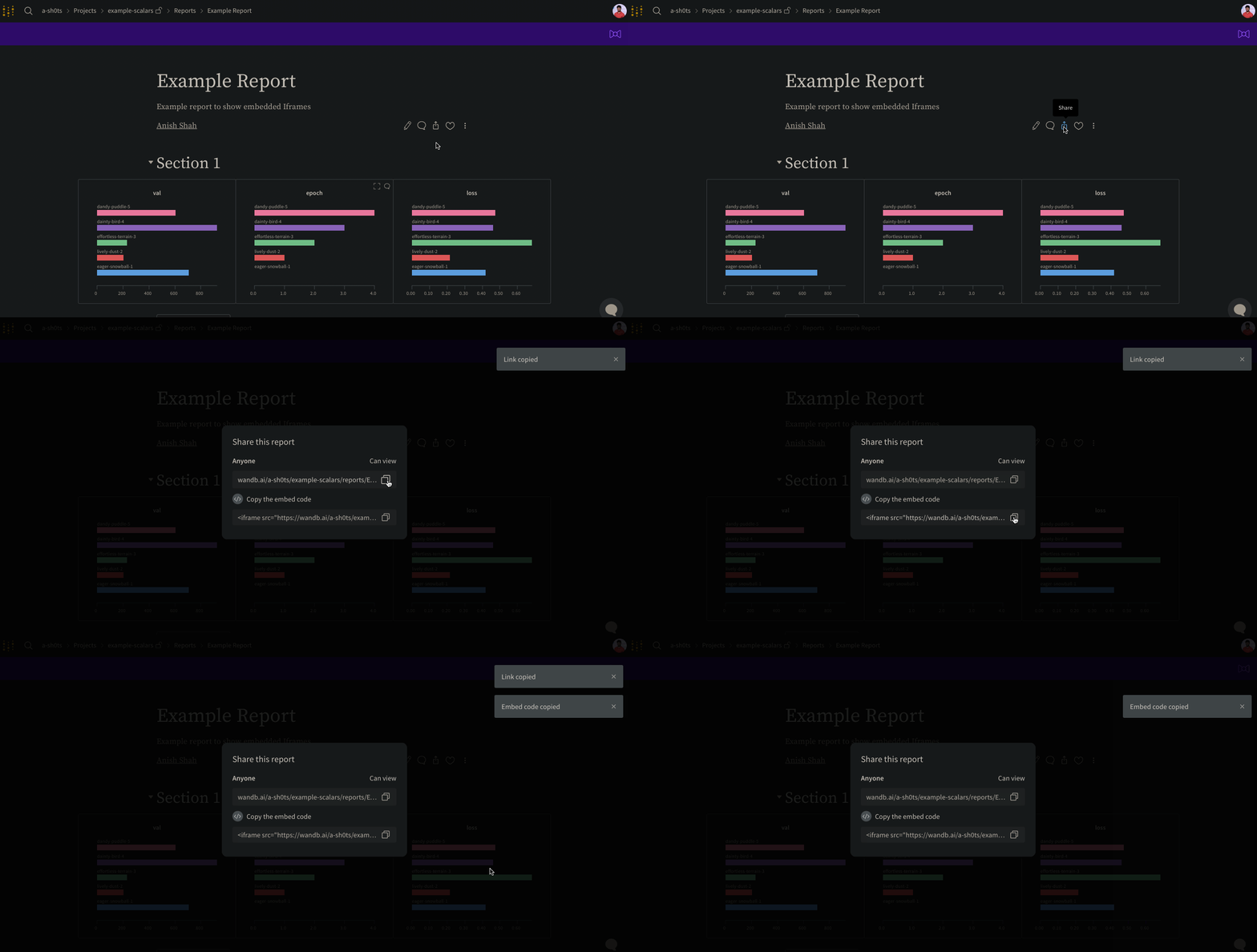
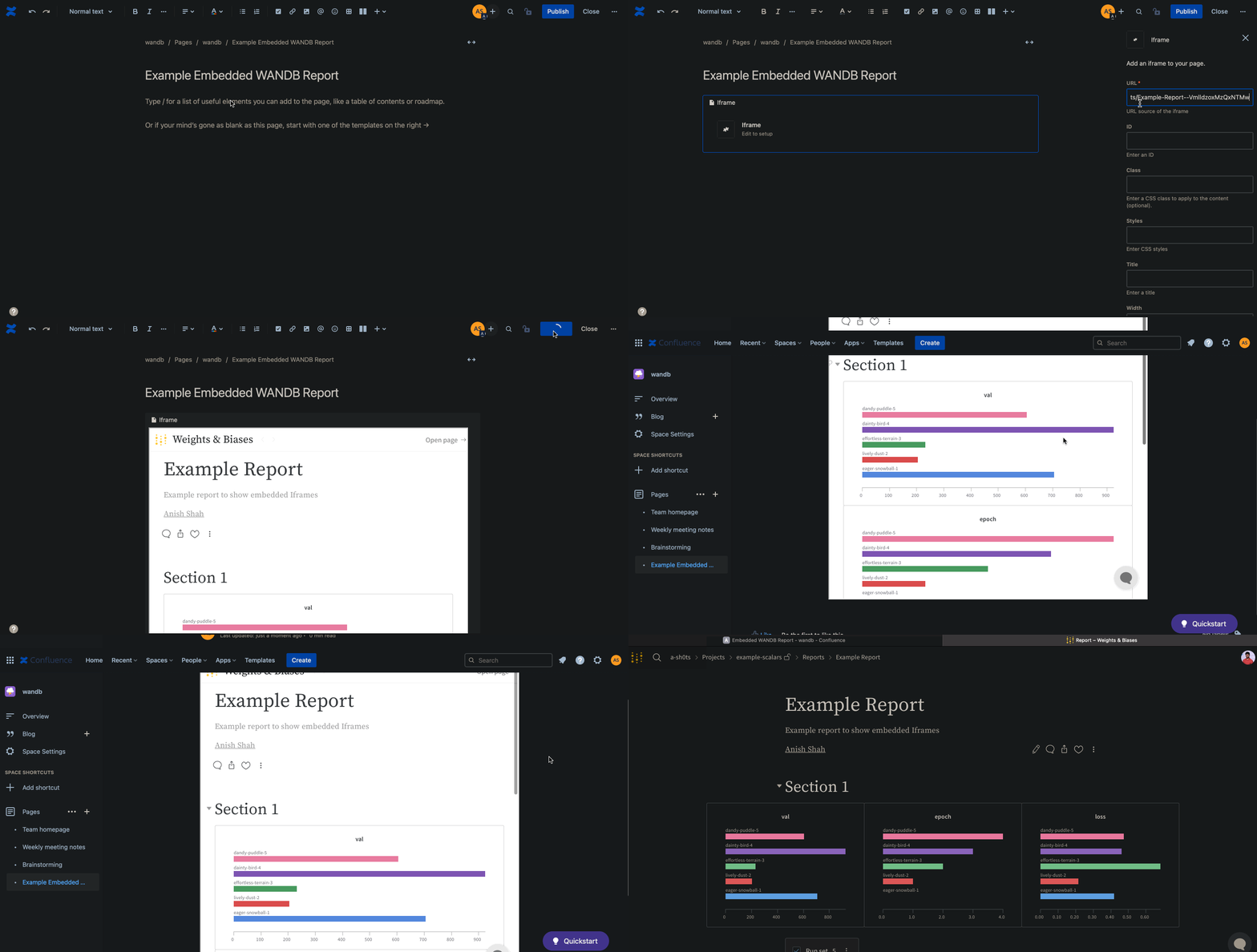
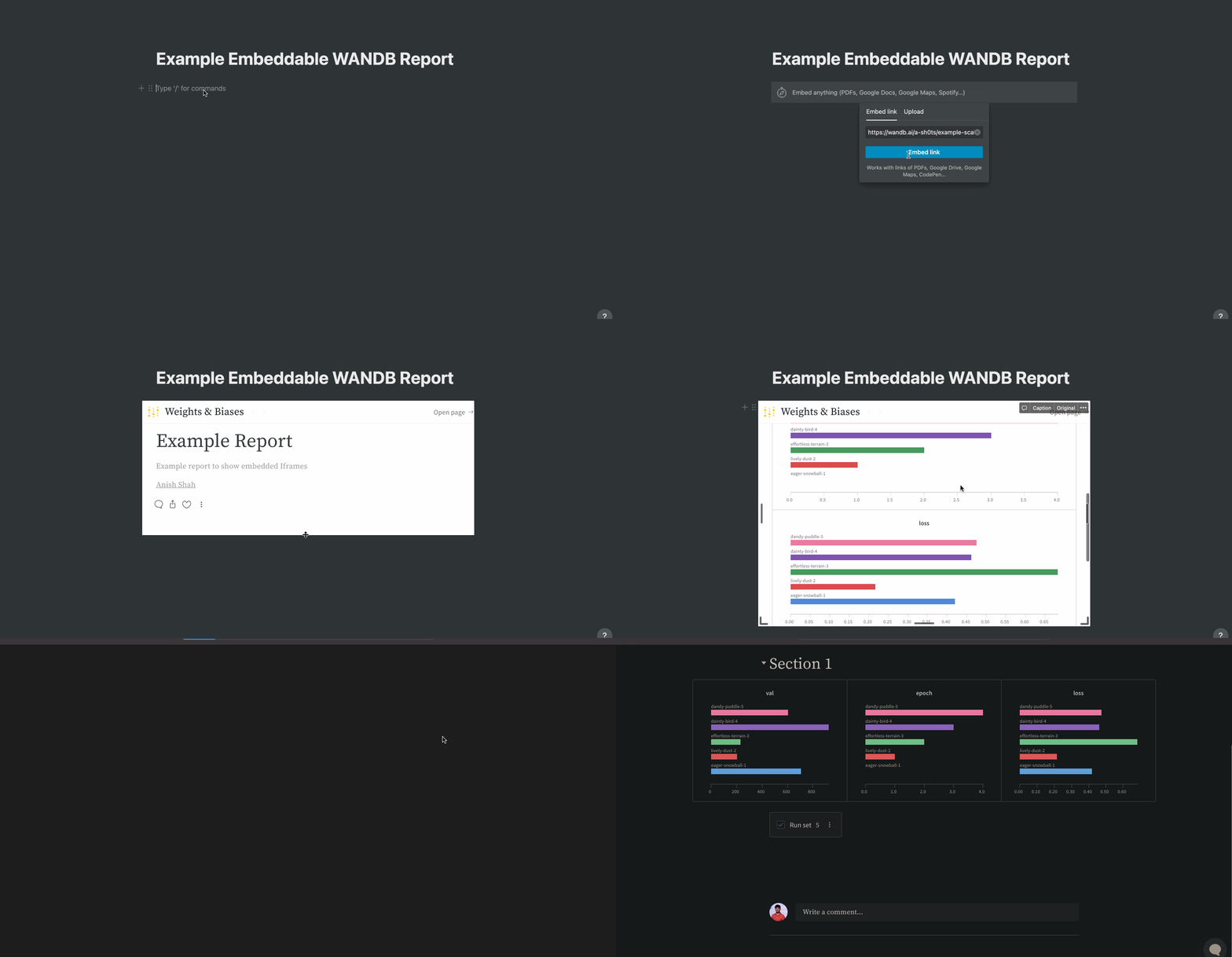
レポート内の右上にある Share ボタンを選択します。モーダルウィンドウが表示されます。モーダルウィンドウ内で Copy embed code を選択します。コピーしたコードは Inline Frame (IFrame) HTML 要素内で表示されます。コピーしたコードを任意の iframe HTML 要素に貼り付けます。
埋め込み時に表示できるのは public レポートのみです。
gr.HTML 要素を使用すると、W&B Reports を Gradio Apps に埋め込み、Hugging Face Spaces 内で利用できます。
import gradio as gr


def wandb_report(url):
    iframe = f'<iframe src={url} style="border:none;height:1024px;width:100%">'
    return gr.HTML(iframe)


with gr.Blocks() as demo:
    report = wandb_report(
        "https://wandb.ai/_scott/pytorch-sweeps-demo/reports/loss-22-10-07-16-00-17---VmlldzoyNzU2NzAx"
    )
demo.launch()