

このチュートリアルでは、既存のW&Bプロジェクトからsweepジョブを作成する方法を説明します。Fashion MNISTデータセットを使用して、画像を分類するPyTorchの畳み込みニューラルネットワークをトレーニングします。必要なコードとデータセットは、W&B examplesリポジトリ (PyTorch CNN Fashion) にあります。 結果はこのW&Bダッシュボードで確認できます。Documentation Index
Fetch the complete documentation index at: https://wb-21fd5541-john-wbdocs-2044-rename-serverless-products.mintlify.app/llms.txt
Use this file to discover all available pages before exploring further.
1. プロジェクトを作成する
examples/pytorch/pytorch-cnn-fashion ディレクトリにあります。
- このリポジトリをクローンします
git clone https://github.com/wandb/examples.git - このサンプルのディレクトリに移動します
cd examples/pytorch/pytorch-cnn-fashion - run を手動で実行します
python train.py
2. sweep を作成する
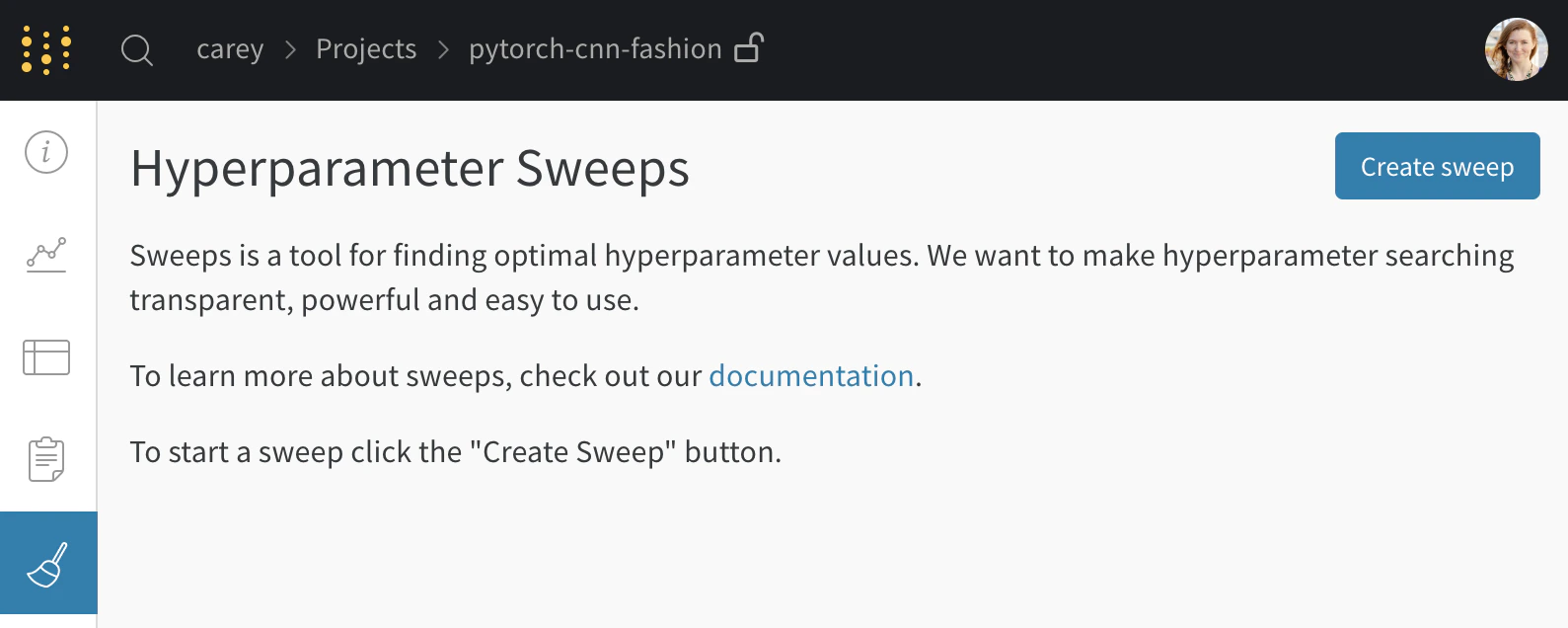
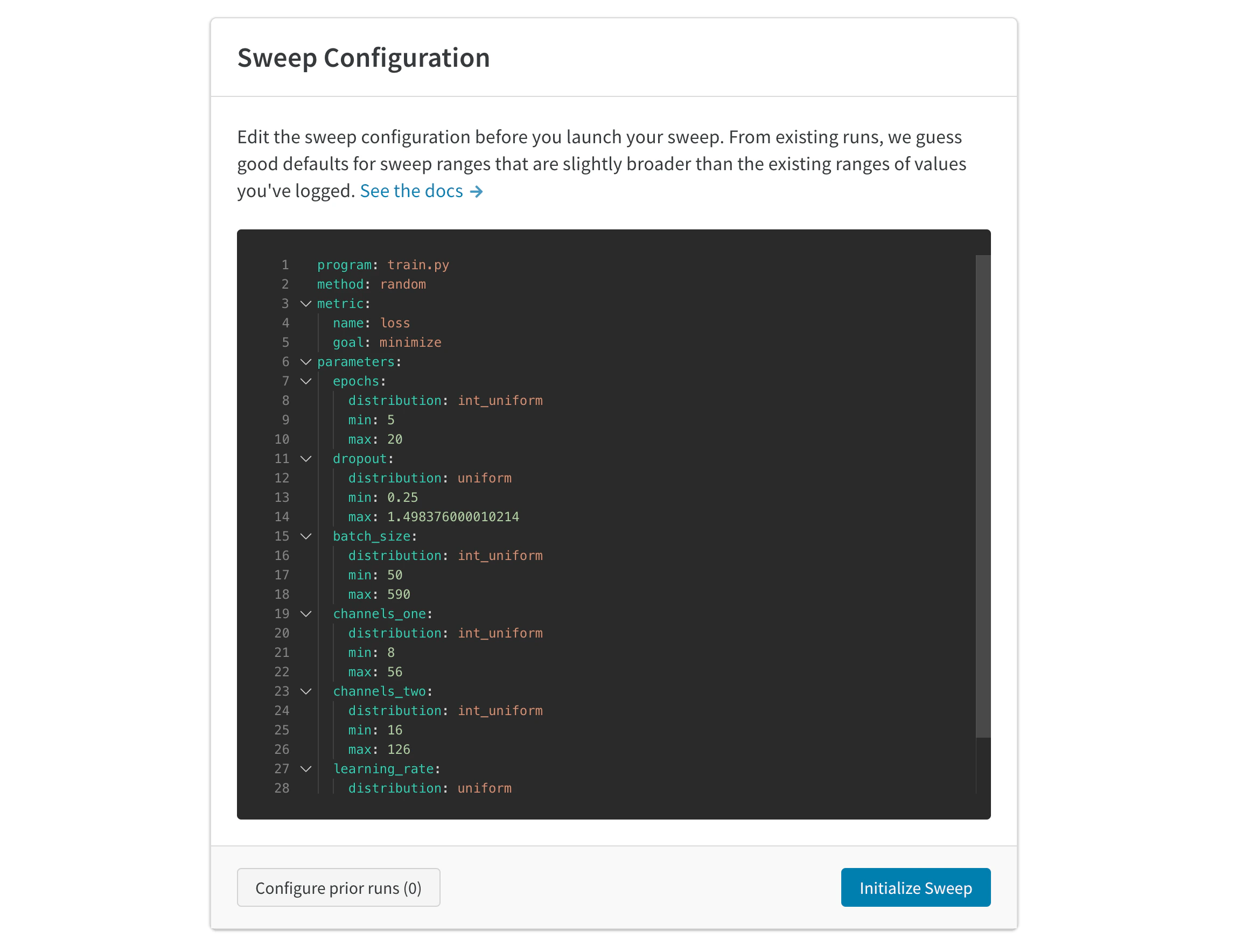
3. agentを起動する
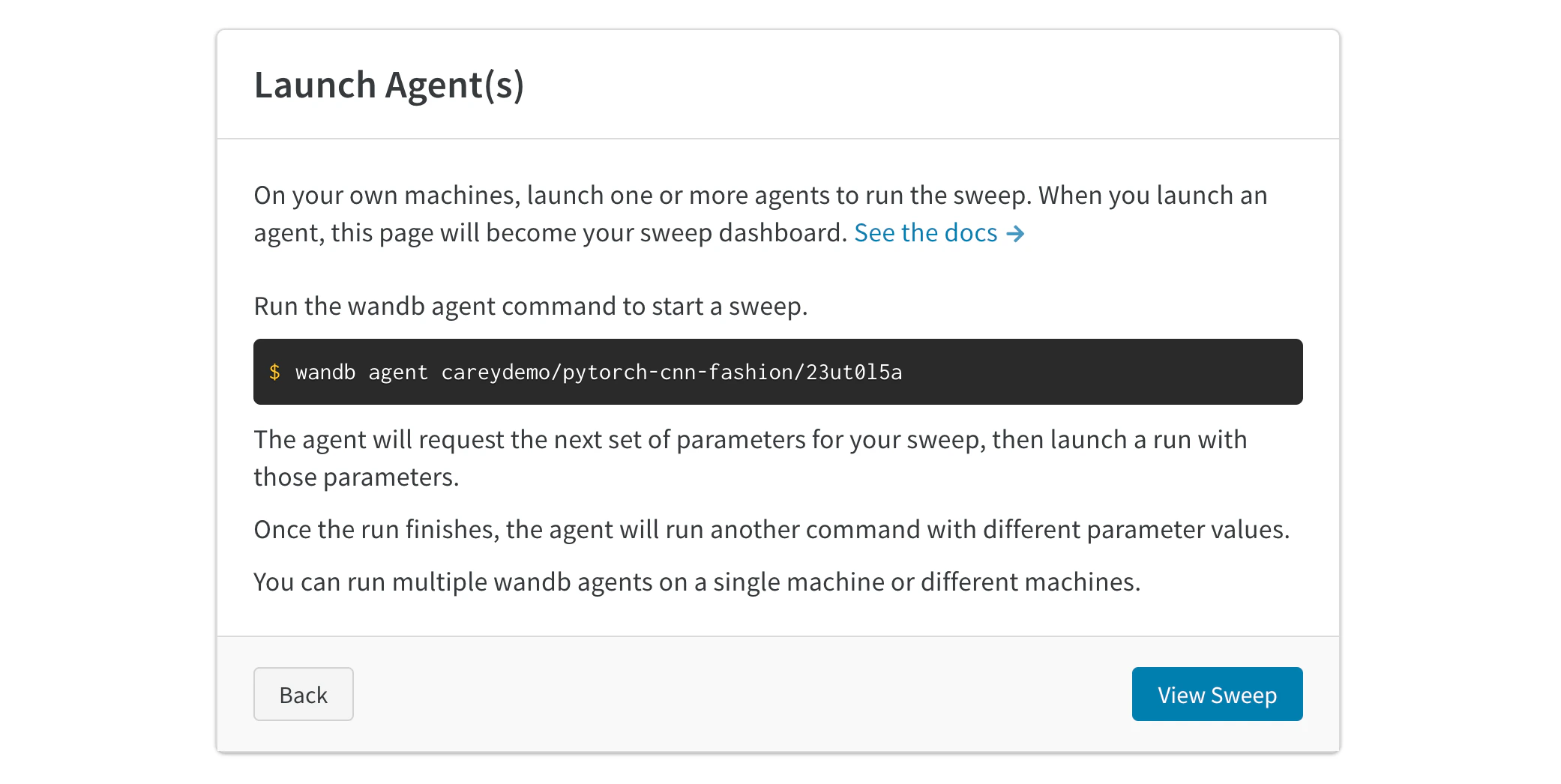
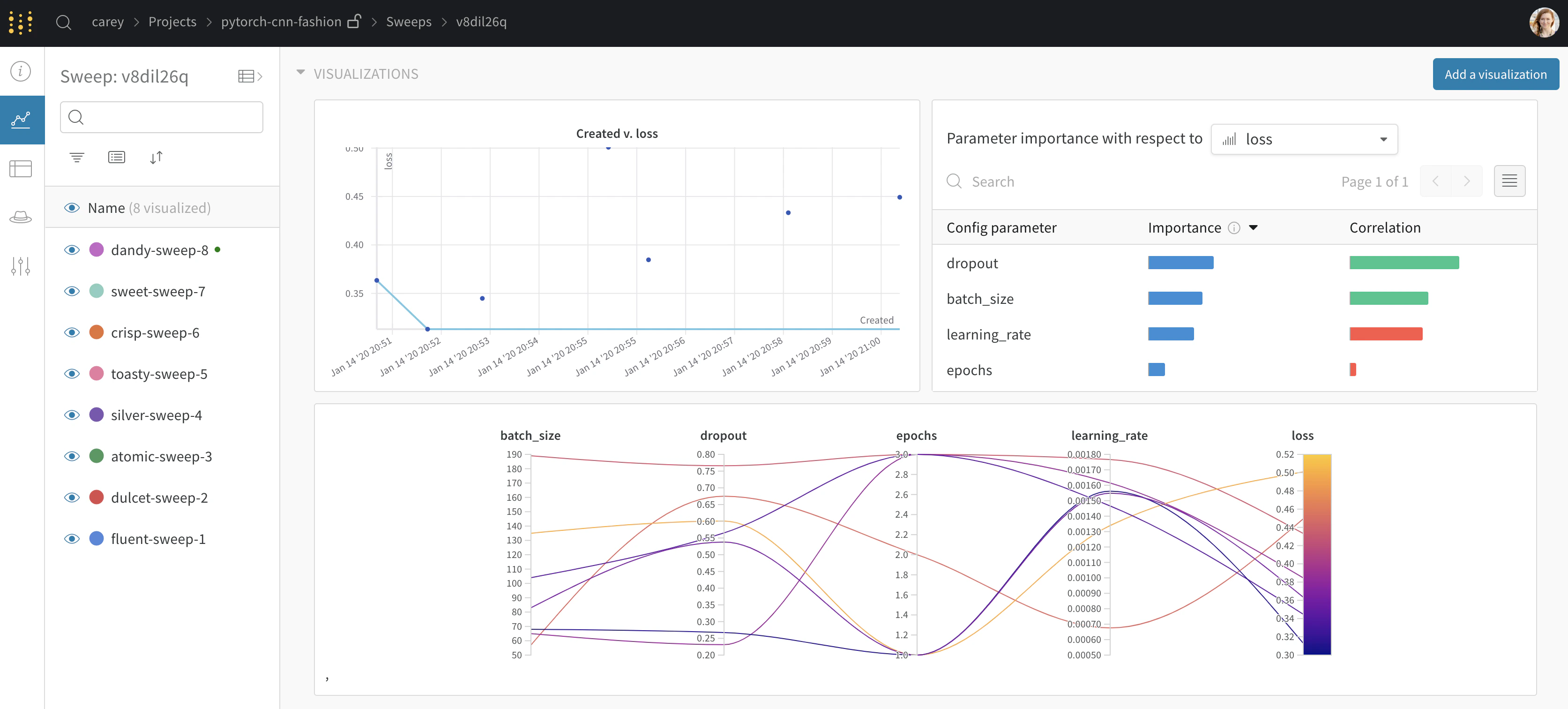
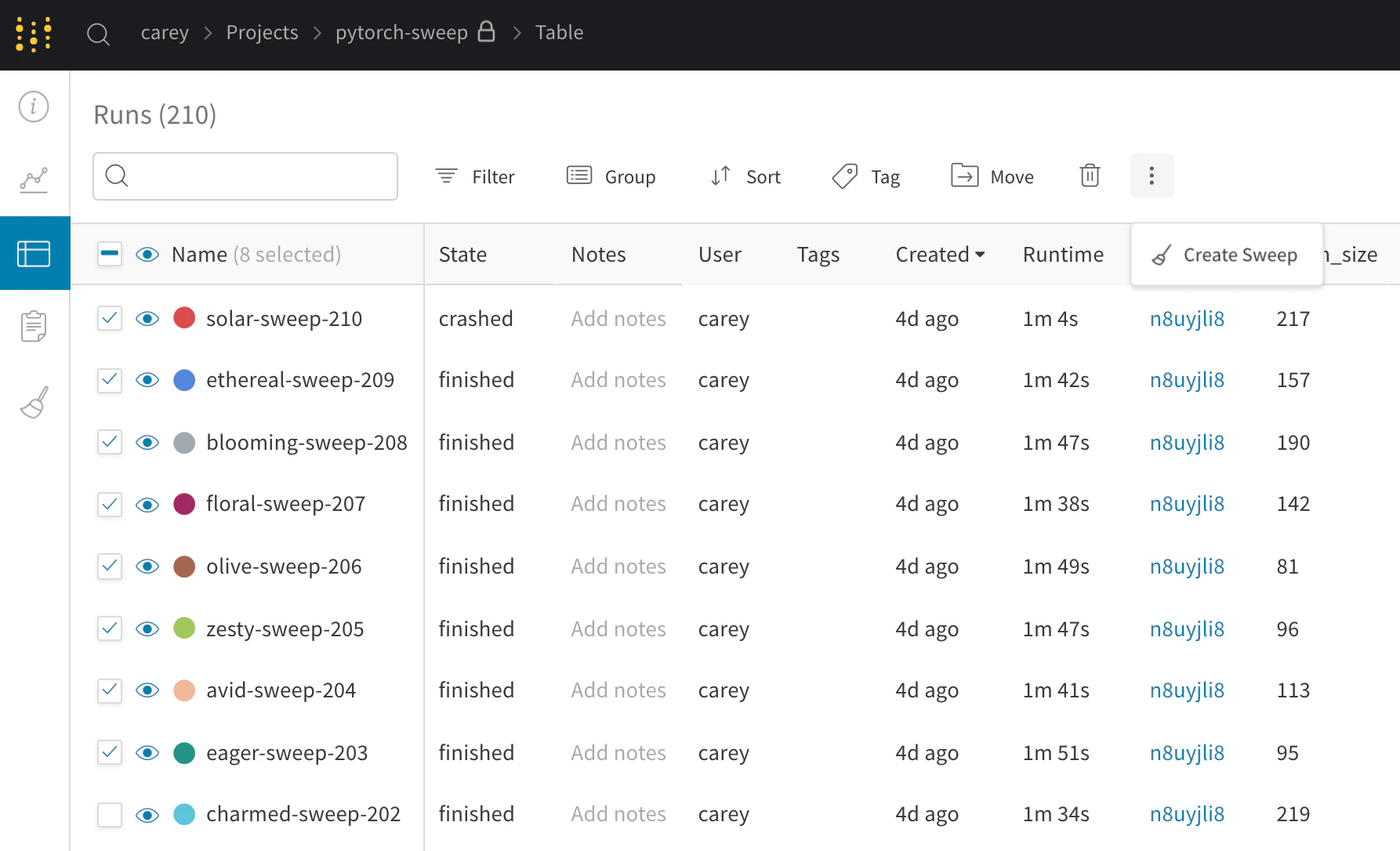
既存のrunを使って新しいsweepを初期化する
- プロジェクトの表を開きます。
- 表の左側にあるチェックボックスで、使用するrunを選択します。
- ドロップダウンをクリックして、新しいsweepを作成します。
新しいsweepをベイズsweepとして開始すると、選択したrunはガウス過程の初期化にも使用されます。