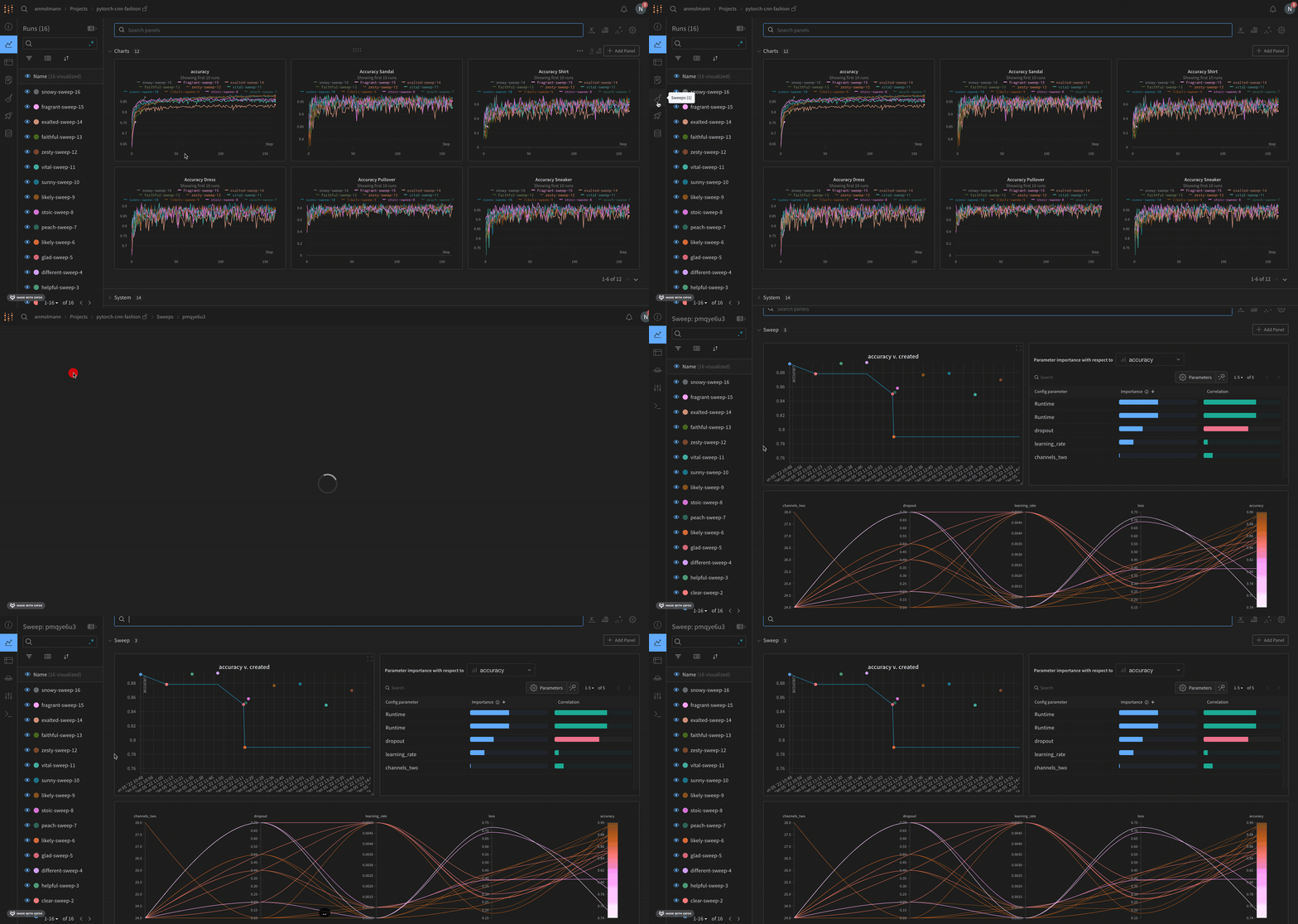
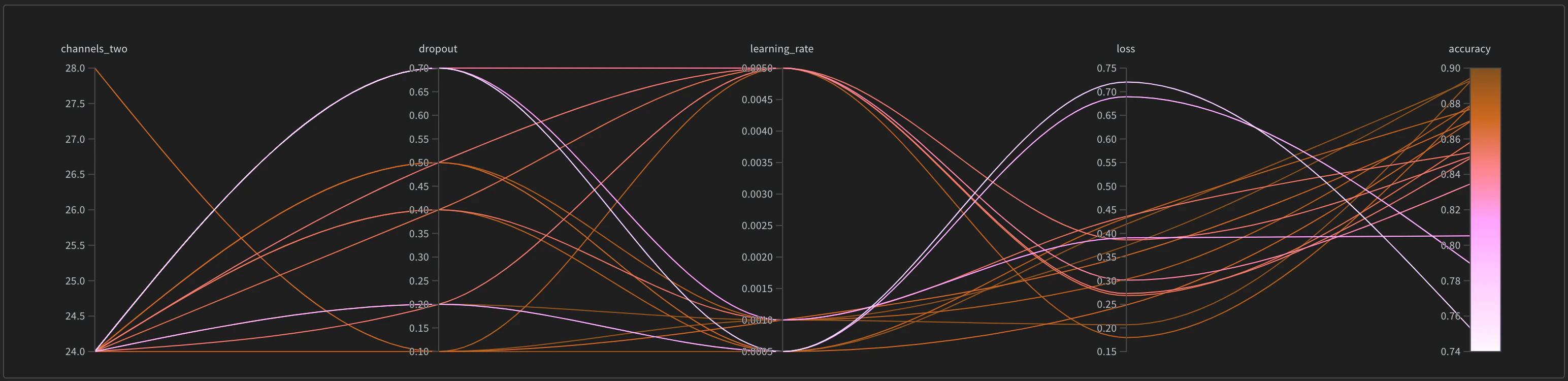
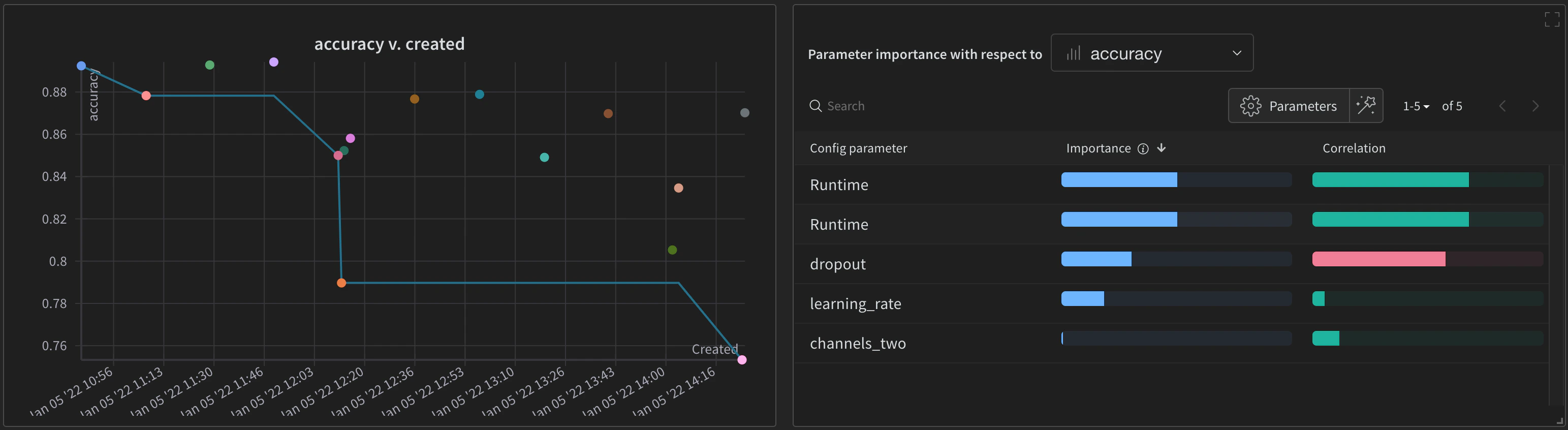
Visualize the results of your W&B Sweeps with the W&B App. Navigate to the W&B App. Choose the project that you specified when you initialized a sweep. You will be redirected to your project workspace. Select the Sweep icon in the project sidebar (broom icon). From the Sweep UI, select the name of your Sweep from the list. The sweep list shows each sweep’s state (State), creation time (Created), who started it (Creator), how many runs finished (Run count), and total Compute time. For a grid search over a discrete search space, W&B also shows Est. Runs (the expected number of runs). Open a sweep from the list to pause, resume, stop, or kill it from the app. For the same controls with the CLI, see Manage sweeps. By default, W&B will automatically create a parallel coordinates plot, a parameter importance plot, and a scatter plot when you start a W&B Sweep job.Documentation Index
Fetch the complete documentation index at: https://wb-21fd5541-john-wbdocs-2044-rename-serverless-products.mintlify.app/llms.txt
Use this file to discover all available pages before exploring further.